How to Import a Wallet With a Seed Phrase
You can import your wallet into Tangem Wallet using a seed phrase of 12, 15, 18, 21, or 24 words.
Step-by-step guide
Open the Tangem app and tap Get started.
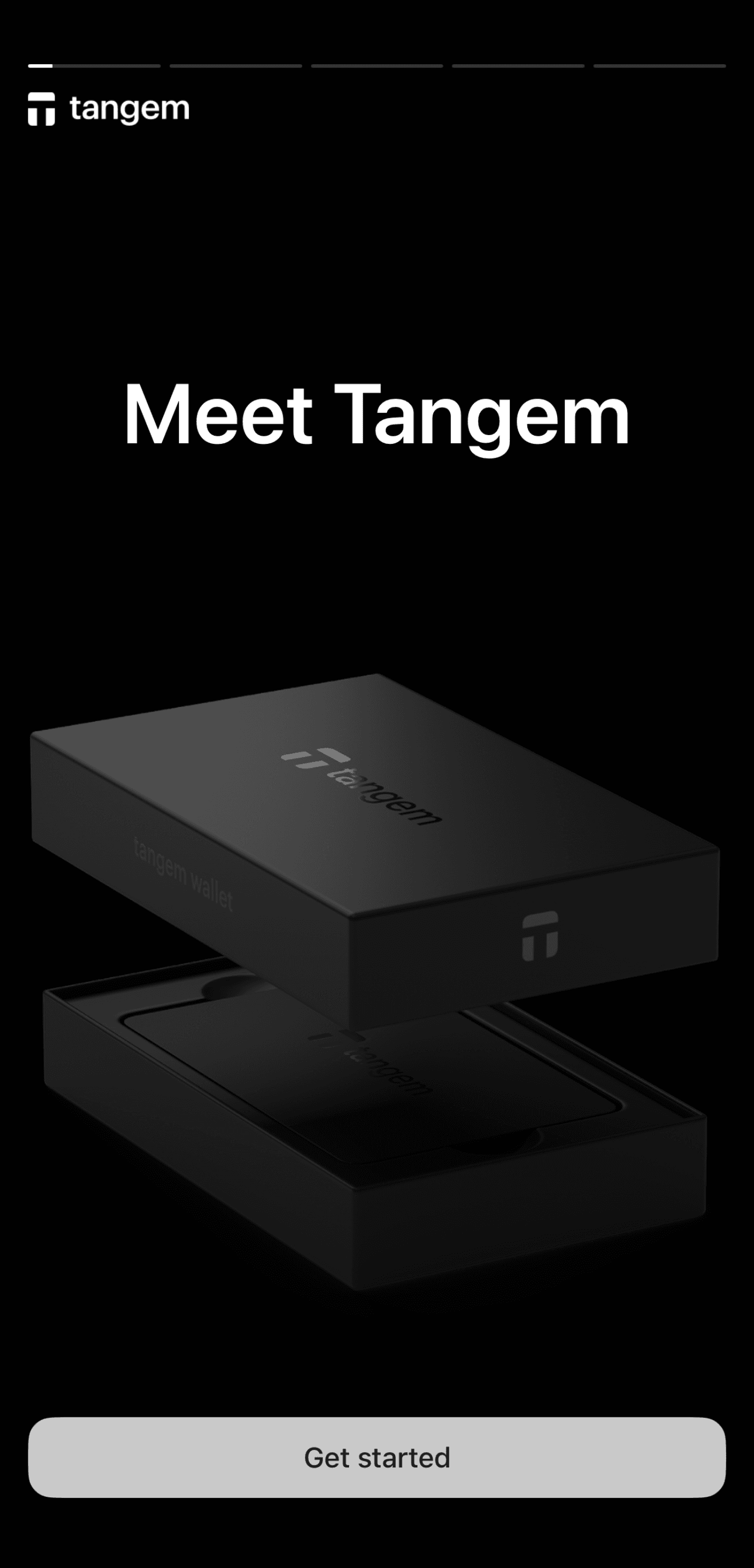
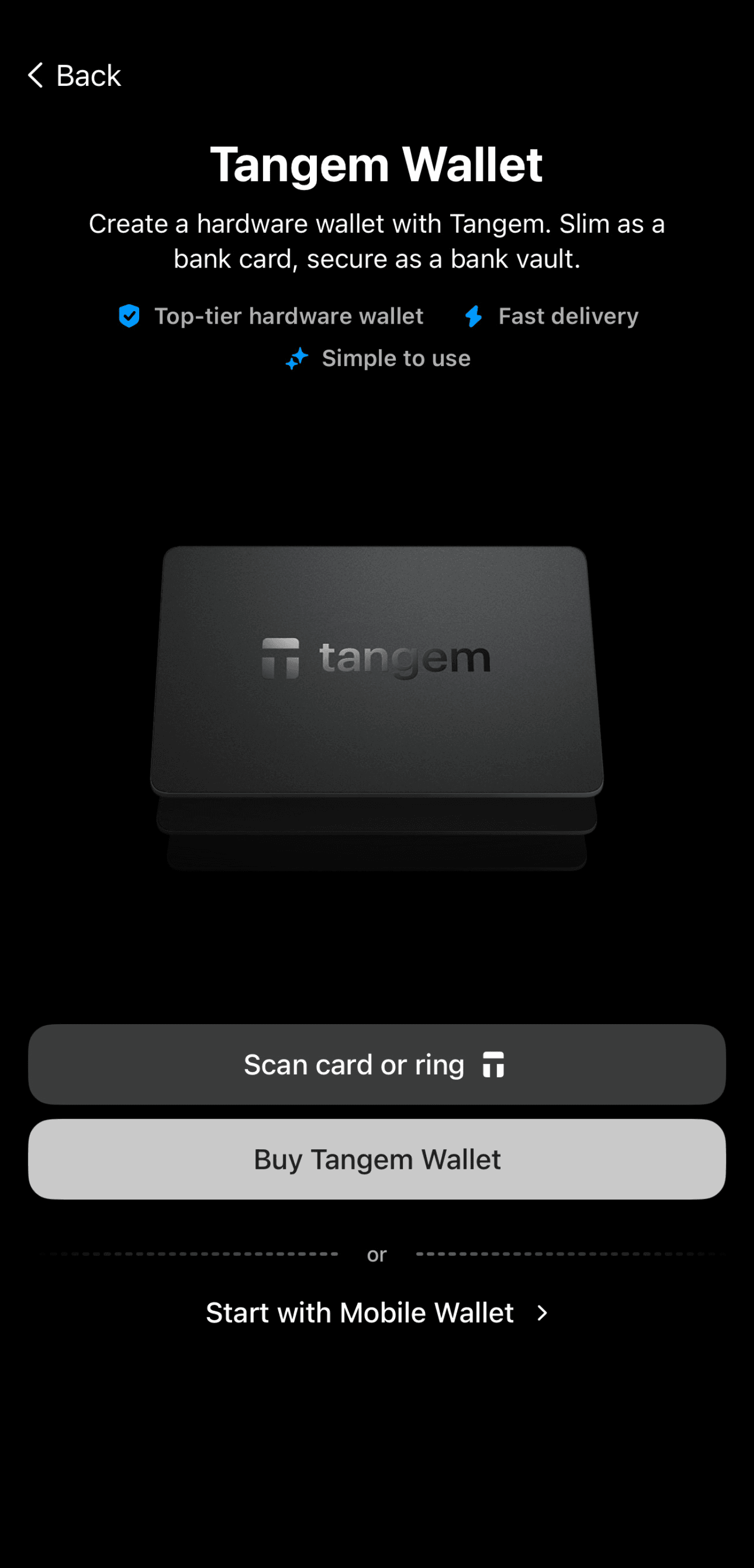
Tap Scan card or ring and scan your Tangem device.
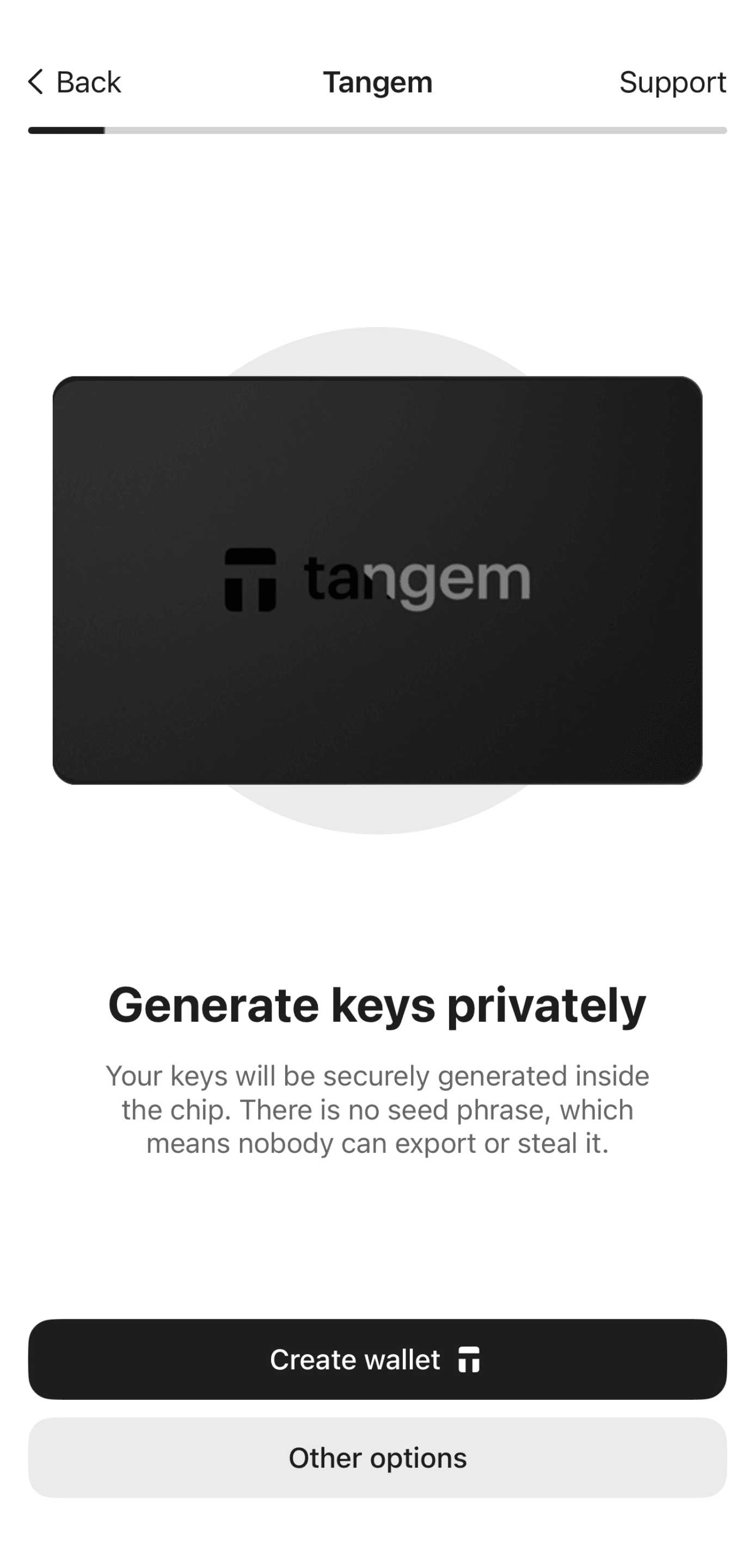
Select Other options.
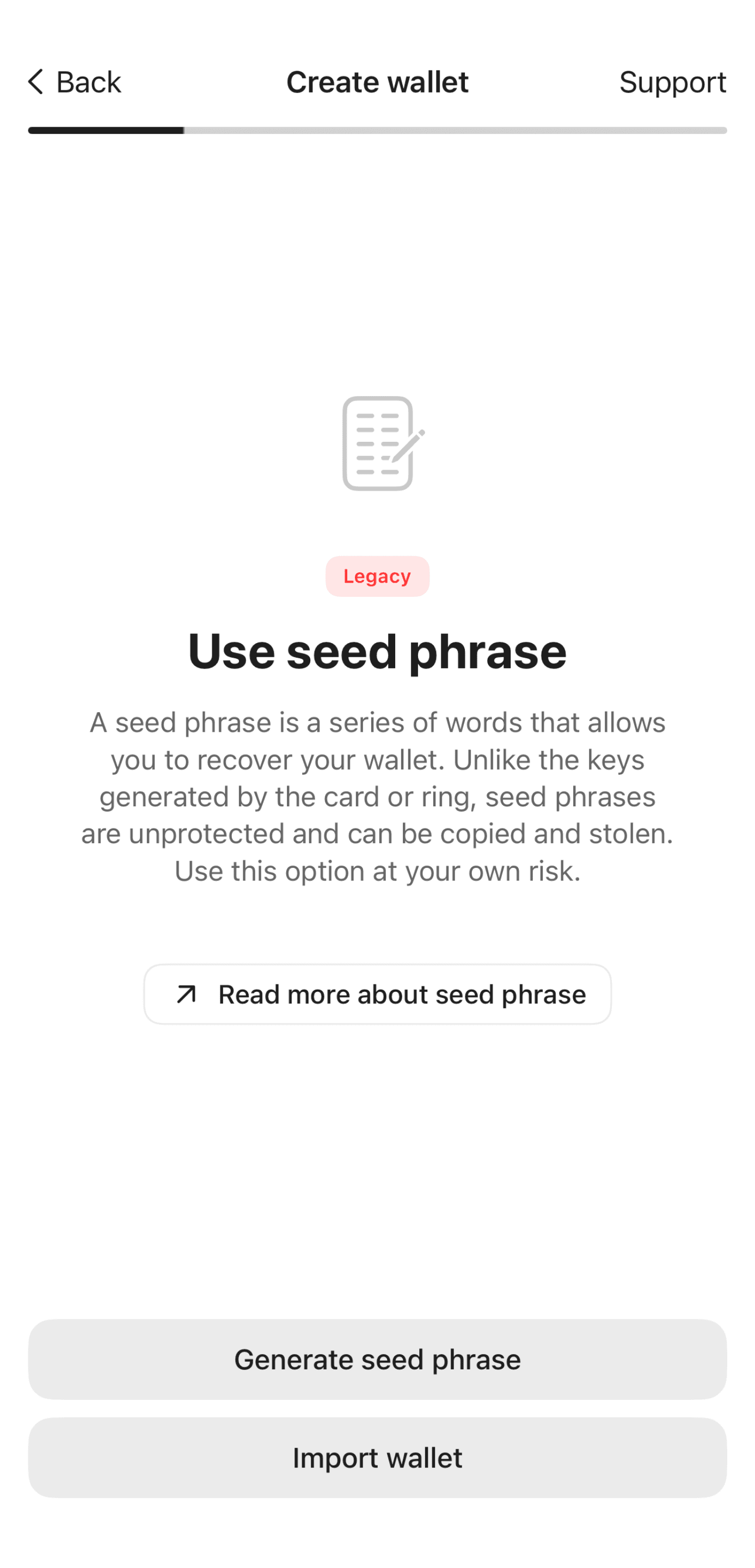
Select Import wallet.
- Enter your seed phrase. You can also enter your passphrase in the field provided if you have one.
- Tap Import and scan the card/ring.
The wallet will prompt you to create a backup. You can back up your keys to one or two additional Tangem devices. If you add one backup device now, you cannot add more backups later.
Tap Add a card or ring and scan the backup device.
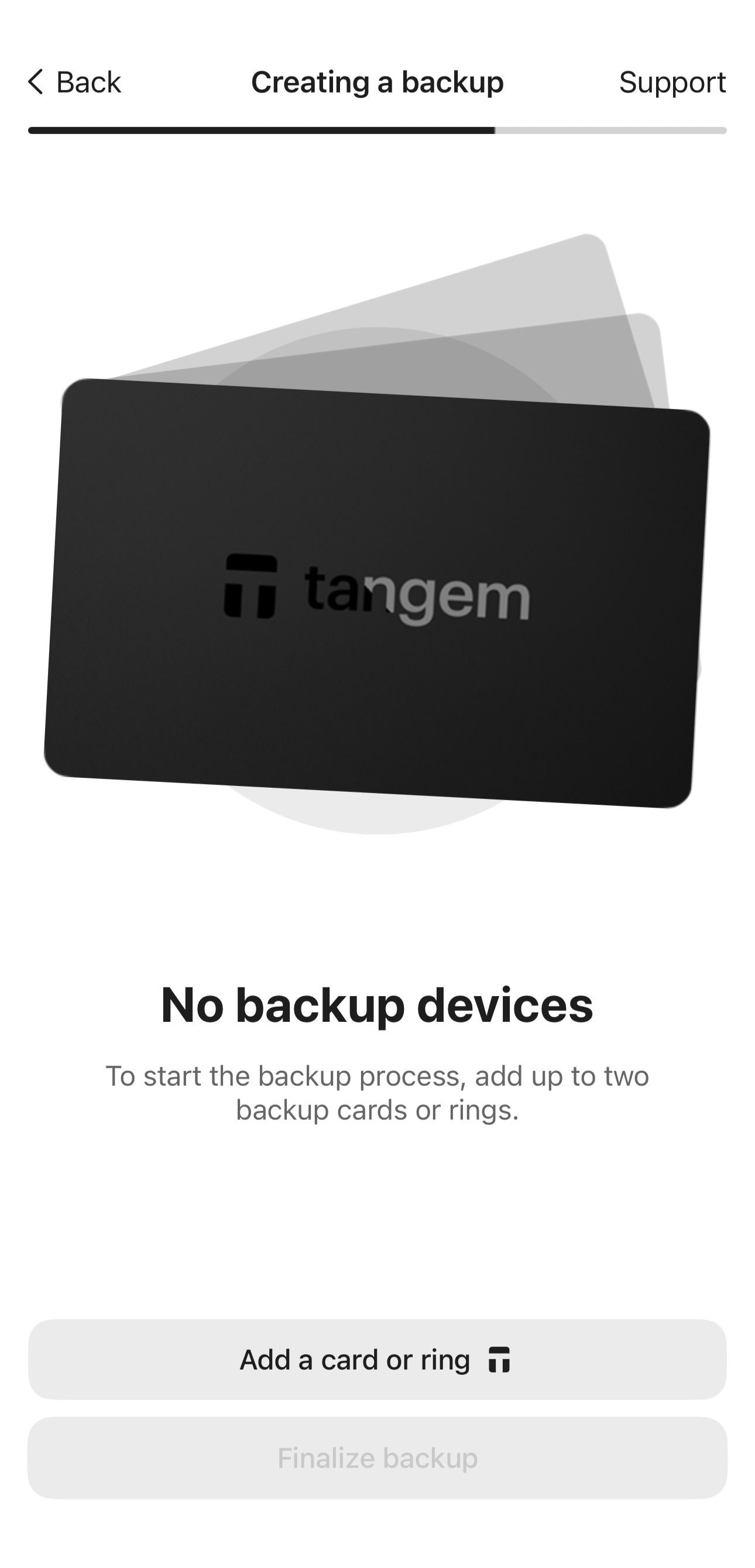
If a wallet has already been created on the backup device, the app will prompt you to reset it before using it. You can only use empty Tangem Wallets to create a backup. Do not reset a card or ring if you still have funds on it; otherwise, you will lose them.
Add another backup device by tapping Add a card or ring again, if you have an additional device. Otherwise, tap Finalize backup.
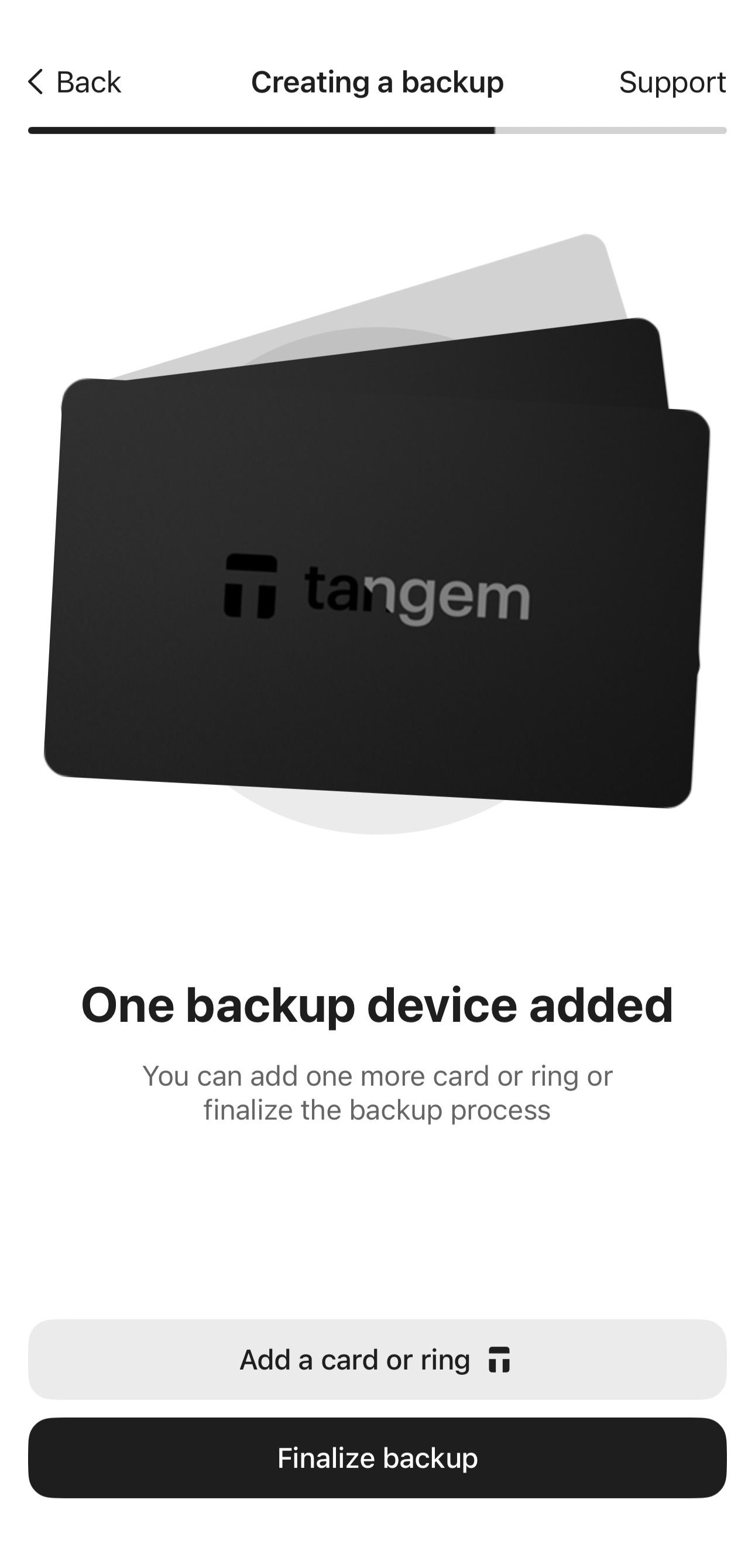
Next, you need to set up a single access code to protect your Tangem devices.
Tap Create and enter an access code.
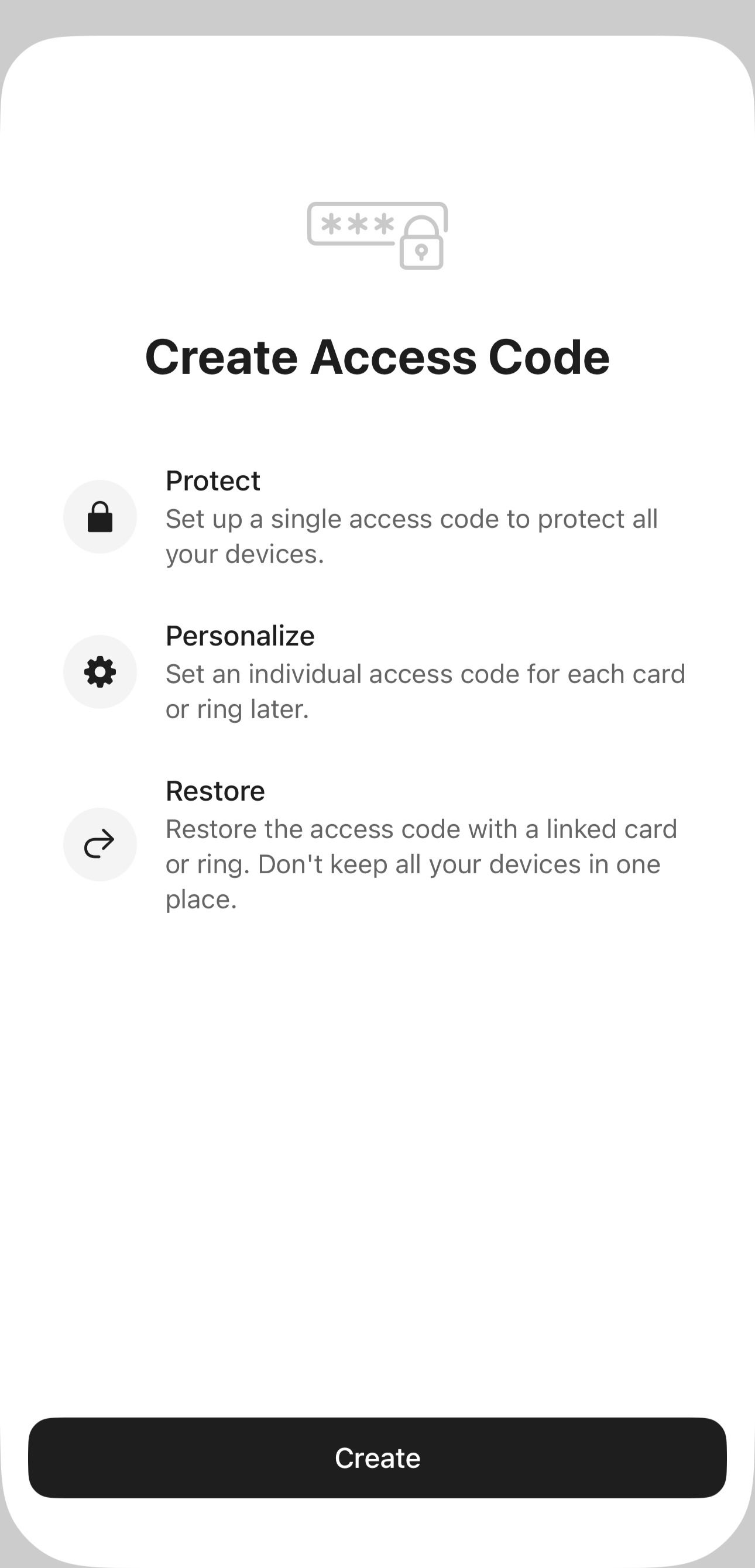
Select any word, phrase, or number as the access code. Later you can set an individual access code for each Tangem device.
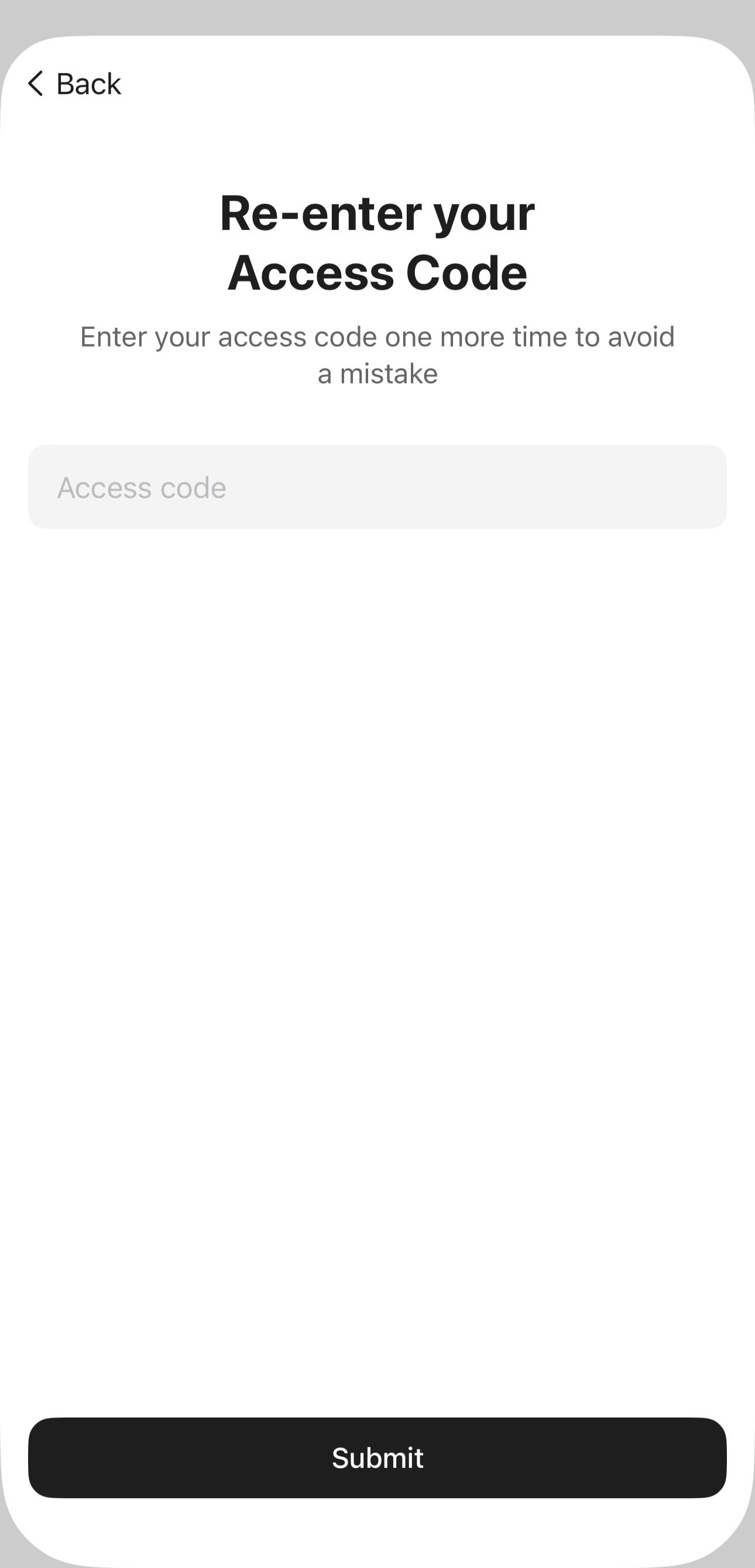
Tap Continue, re-enter the access code, and tap Submit.
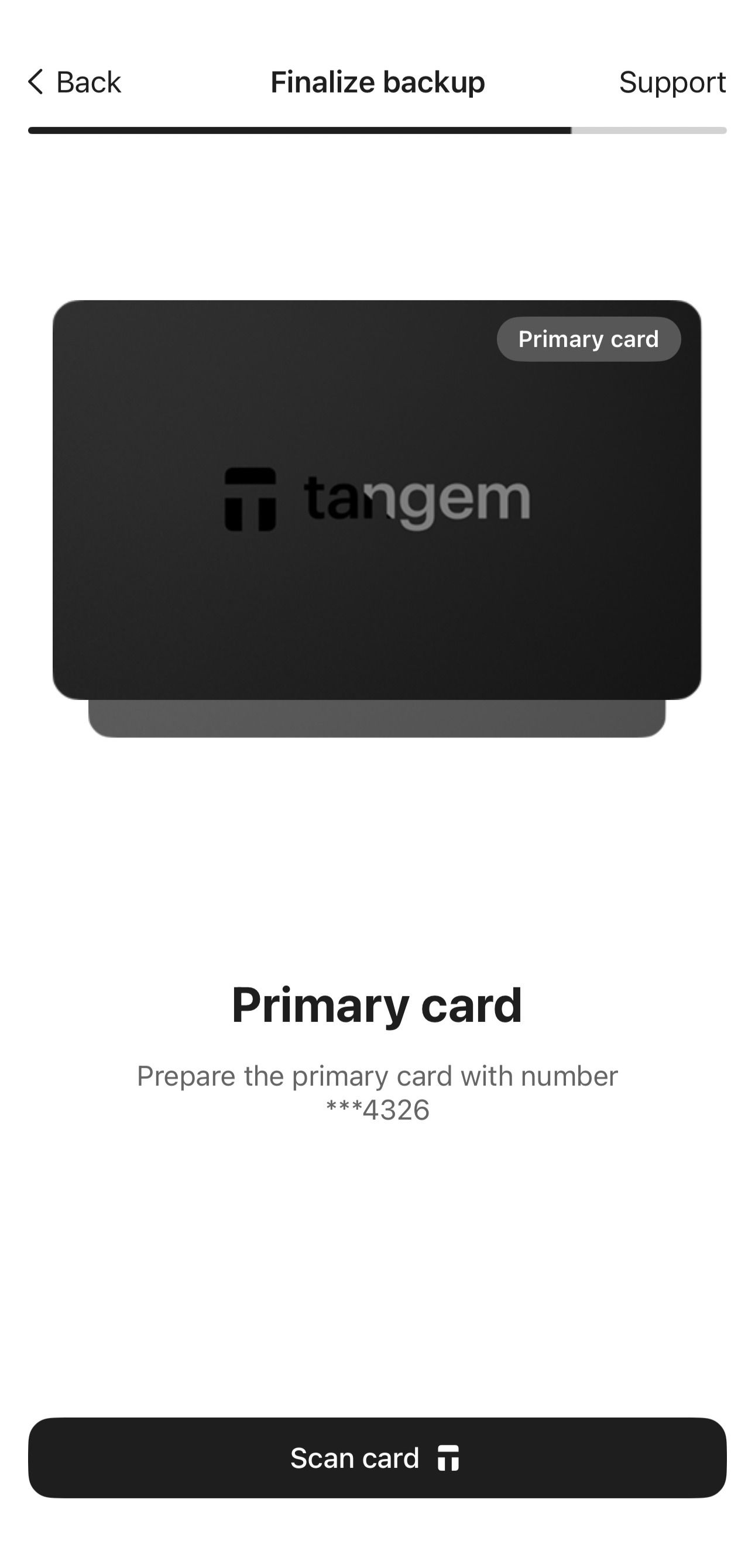
Scan all devices again one by one. Pay close attention to the card's number.
- Enable biometric authentication (optional). Allow the Tangem app to use Face ID, fingerprint, or other biometrics for quicker access to your wallet.
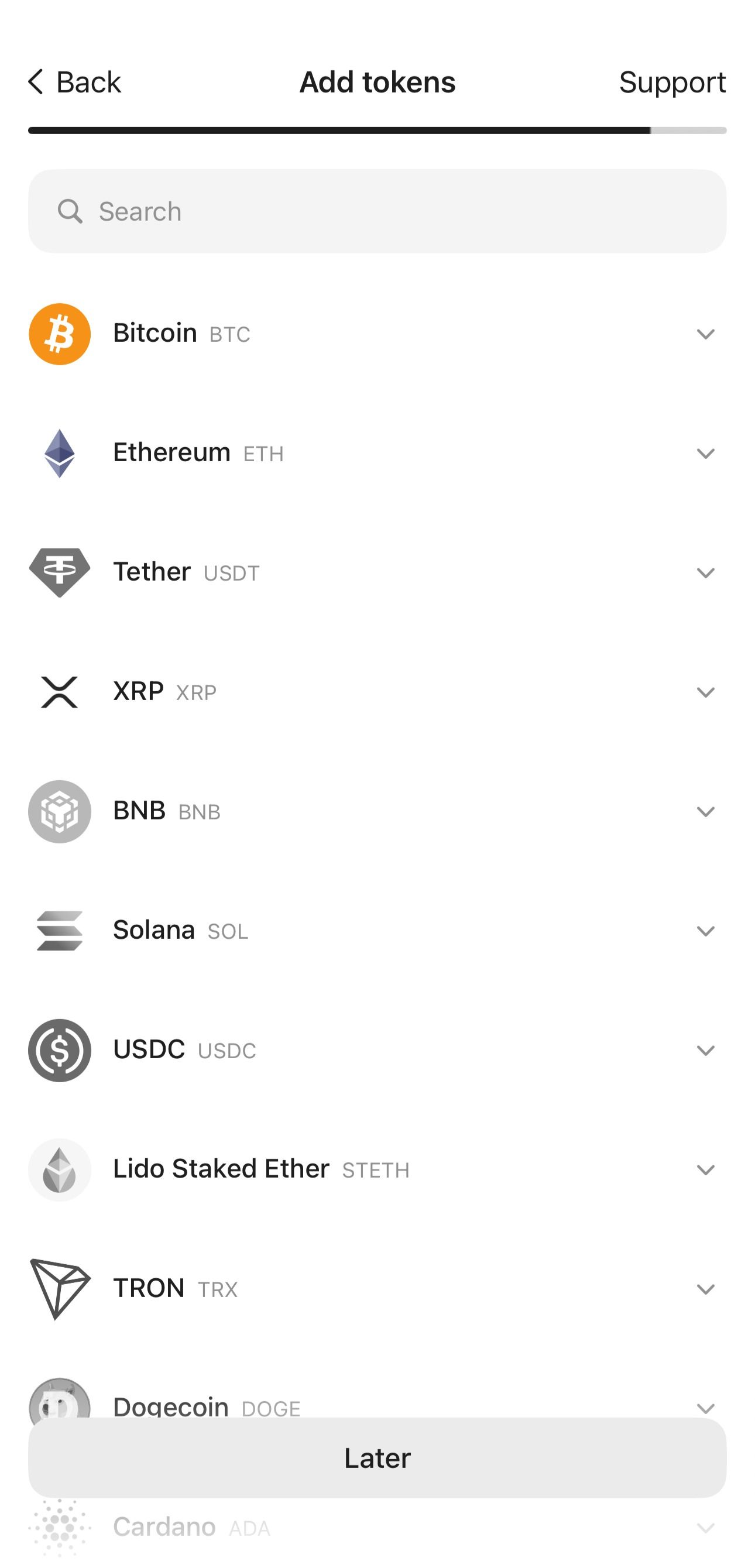
In the next step, you can add tokens to your wallet or skip this step and do it later. BTC and ETH are added by default to the app's home page.
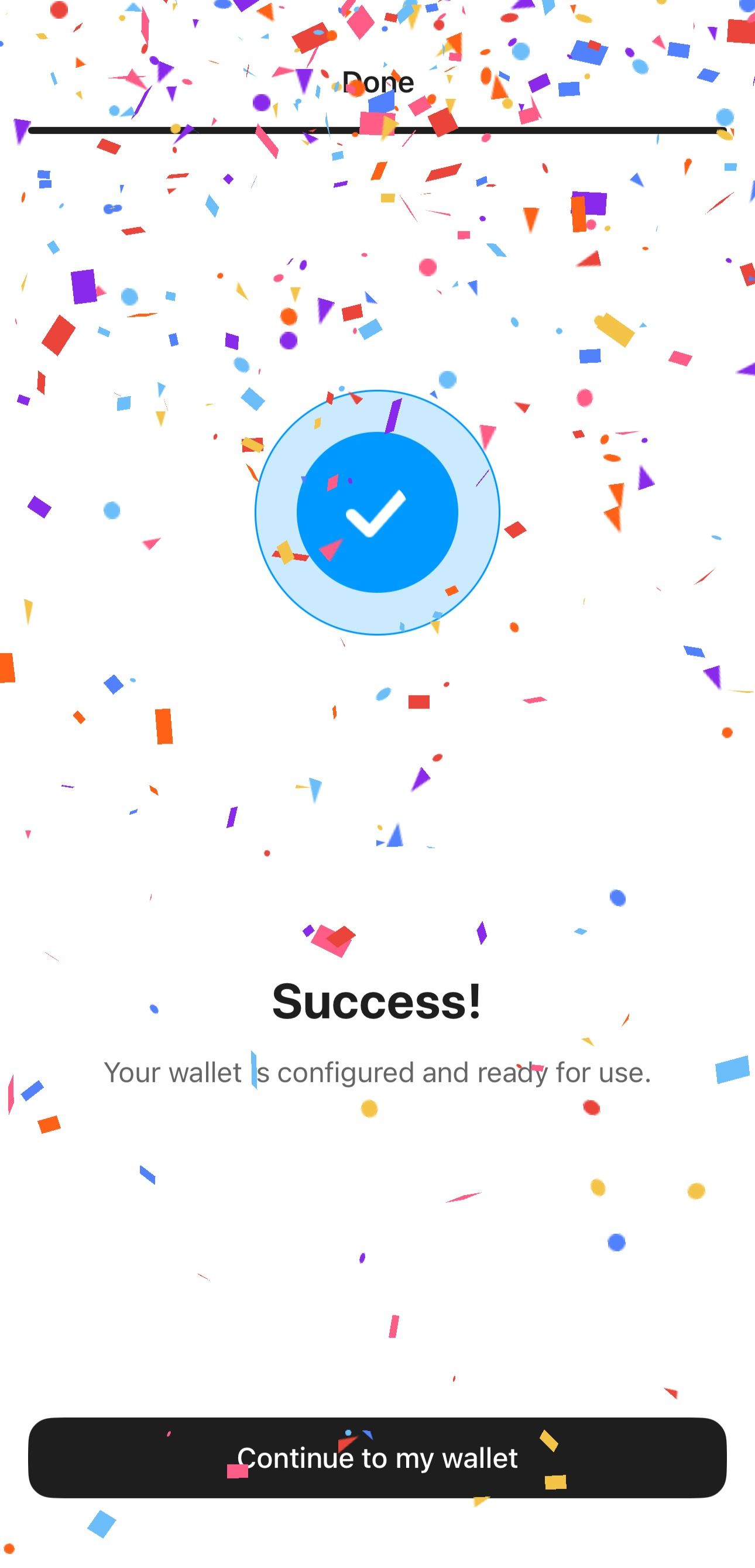
Tap Continue to my wallet.
FAQ
What is a passphrase?
A passphrase, often called a "25th seed" is yet another security feature in cryptocurrency wallets. It adds an extra phrase of your choice to an existing seed phrase. With a passphrase, a user can create multiple wallets based on the same seed phrase. Each unique "seed phrase + passphrase" combination provides access to a corresponding unique wallet. Without knowing the passphrase, a third party cannot access your wallet even if they know the seed phrase.
Is a passphrase supported?
Yes, a passphrase is supported when importing an existing seed phrase.
How to create a wallet with a seed phrase offline?
You can generate and import the seed phrase without needing an internet connection. This means you can use a phone without Wi-Fi or a SIM card.
However, you need an internet connection to create a backup and upload certificates. These certificates are necessary for end-to-end card authentication, which allows the app to verify that Tangem made the card and is running Tangem firmware.
You can generate a seed phrase without the internet and complete the backup process with internet access, even on another device.