


 시드리스로 전환하고 SWITCH30으로 30% 할인. 11월 02일까지
How to Add a Token
Tangem Wallet supports dozens of blockchains and thousands of tokens. Follow the steps below to add the cryptocurrencies you need to your portfolio.
You can also check the full list of supported networks and tokens on our website: Supported Coins and Tokens.
Add a token to your portfolio
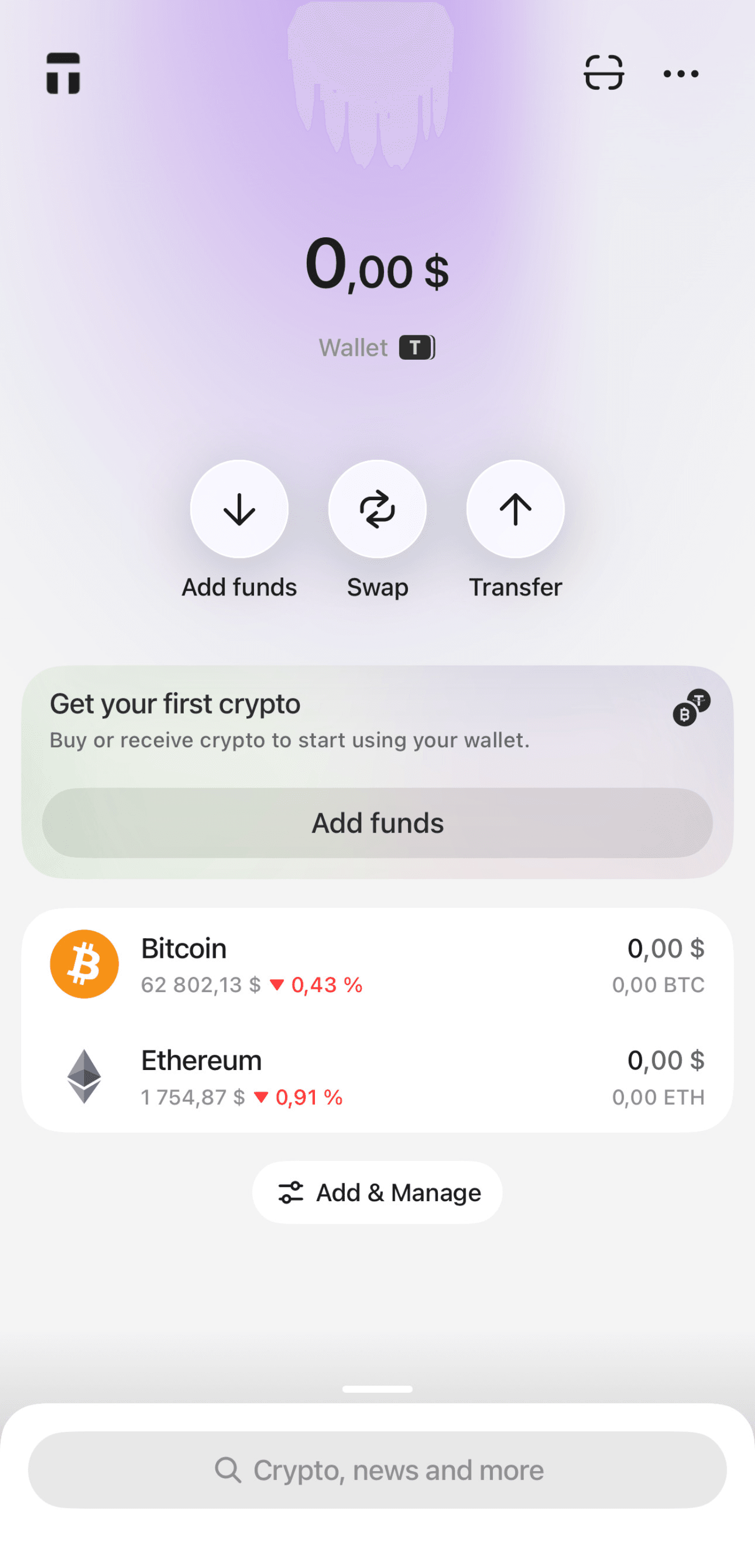
- Tap the Add & Manage on the wallet’s main screen.
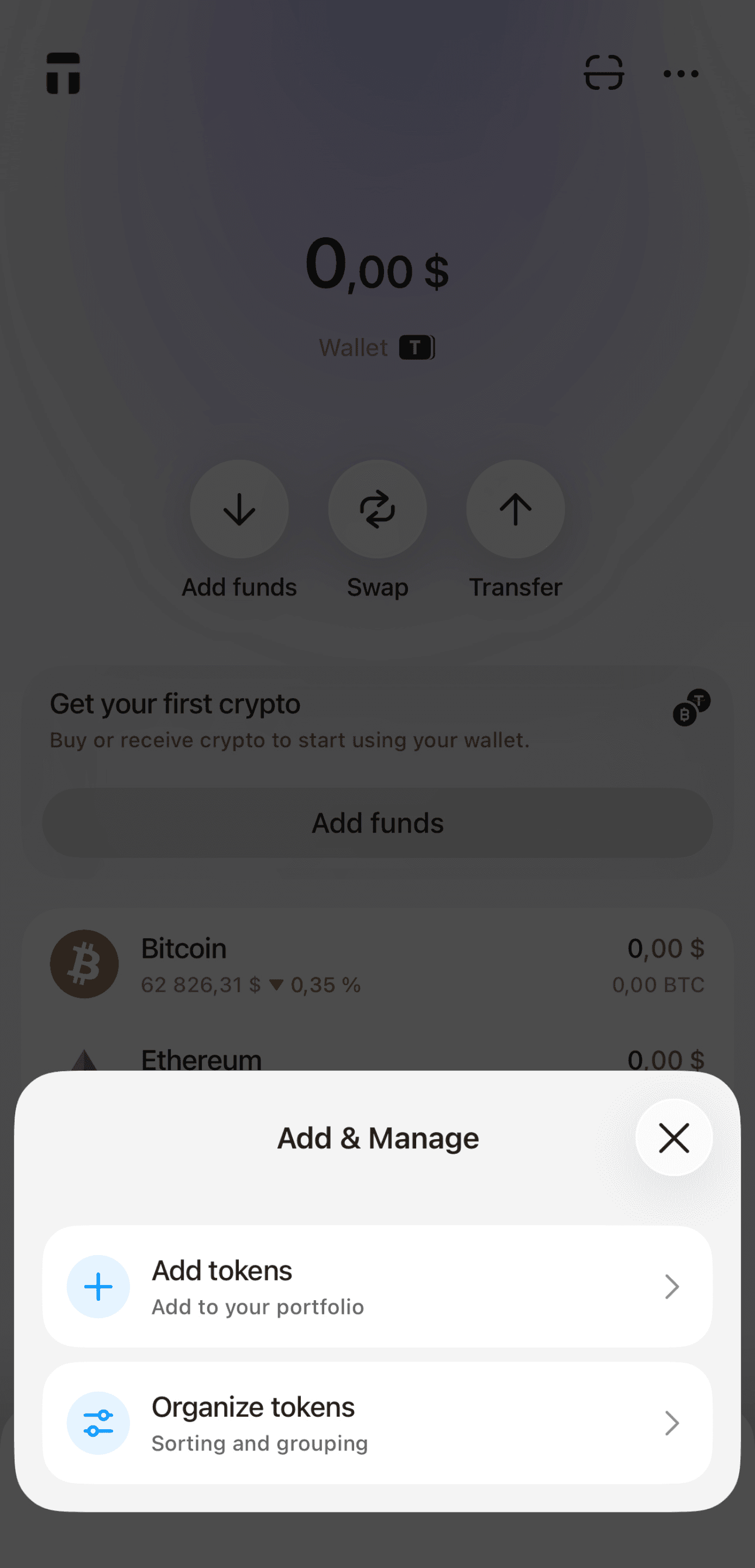
- Tap Add tokens.
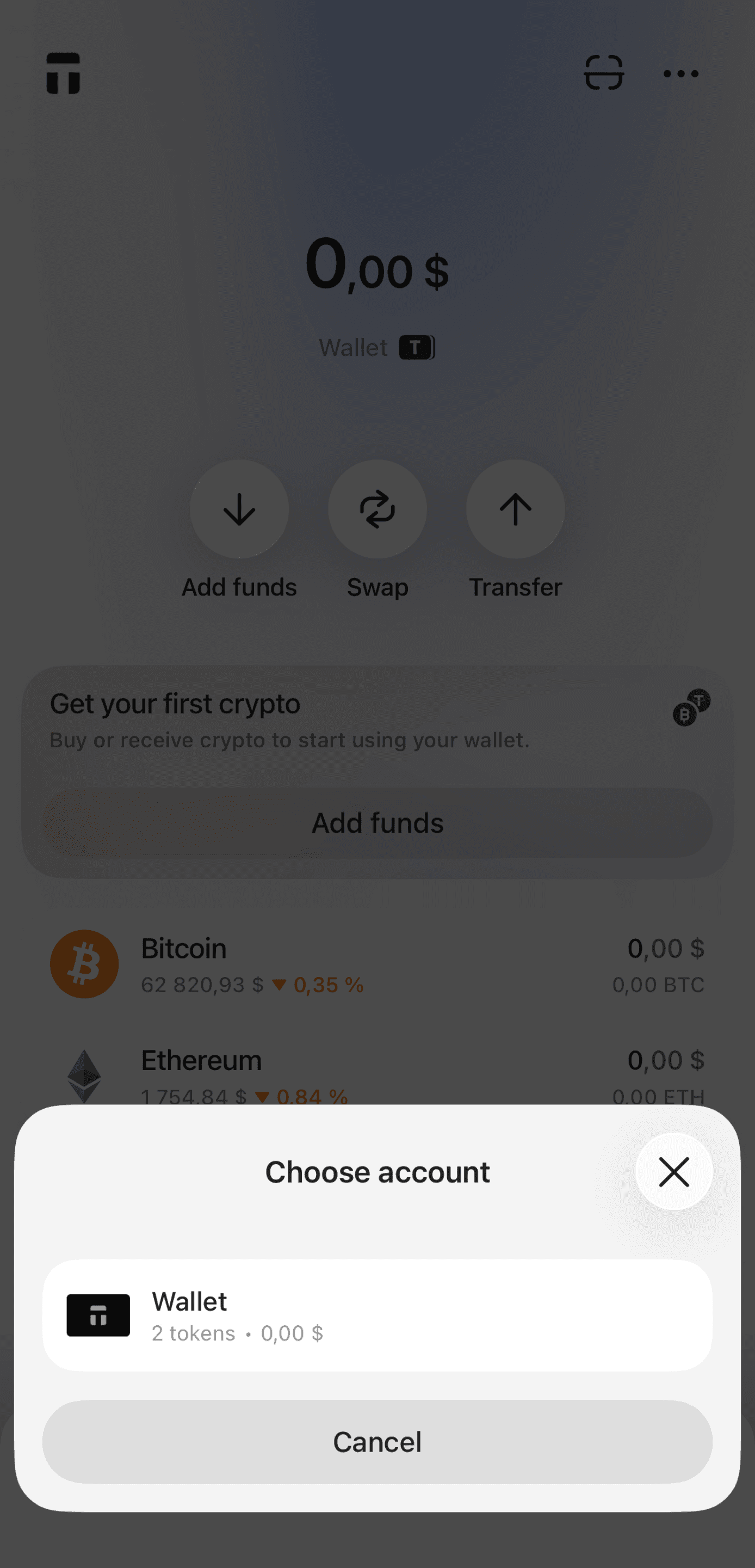
- Select the account where you want to add the token.
- Use the search bar to find a cryptocurrency by name or ticker.
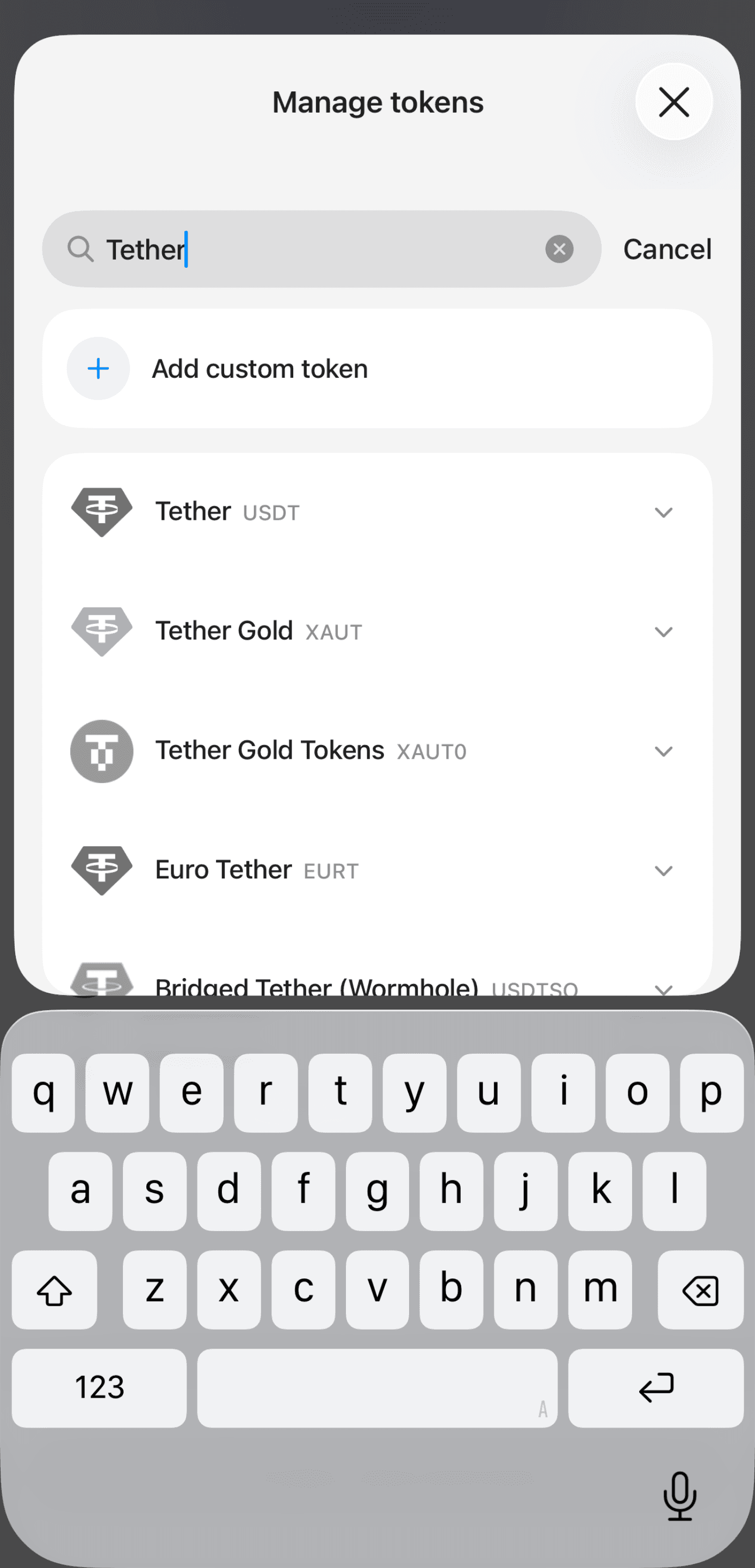
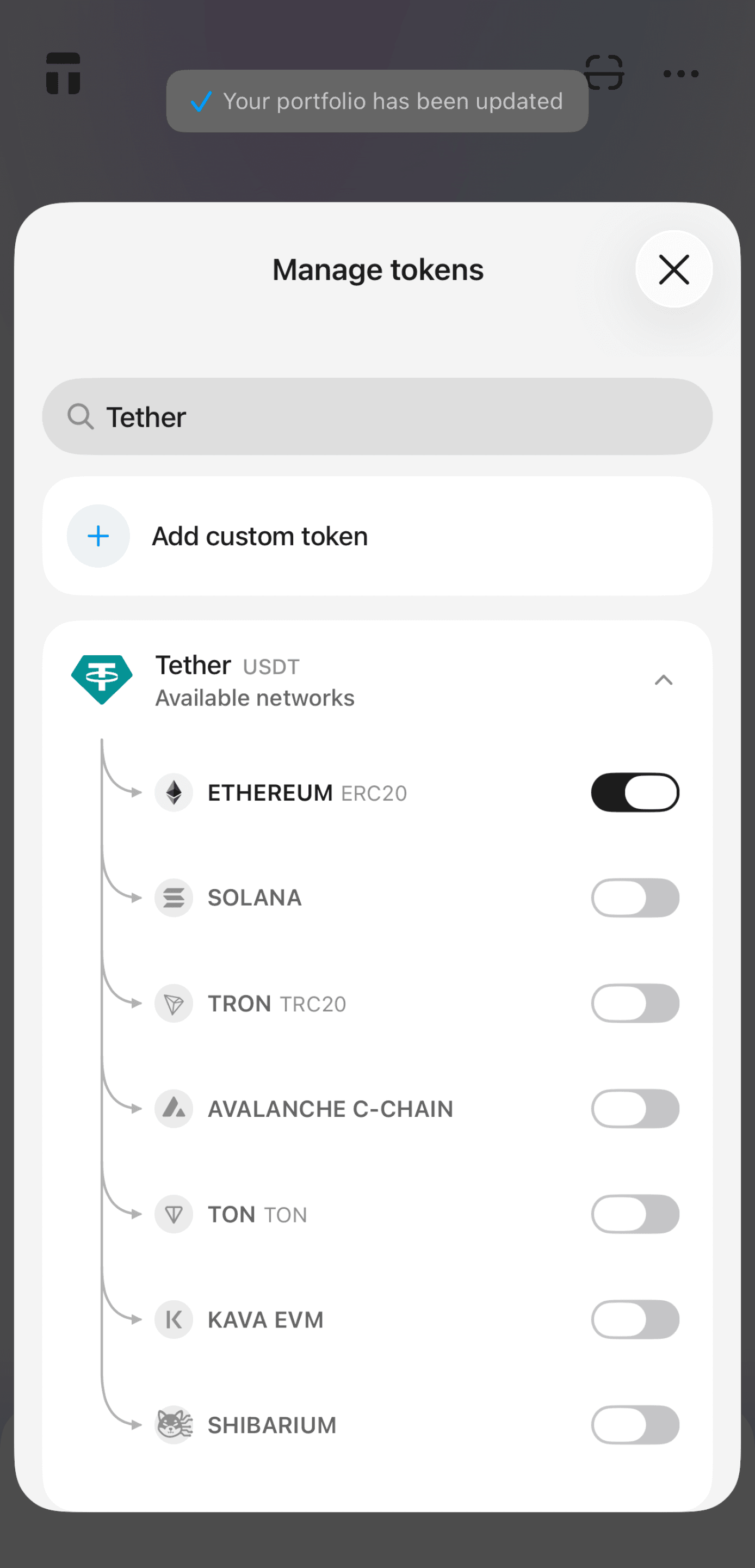
- Tap the arrow next to the cryptocurrency and enable the network you want.
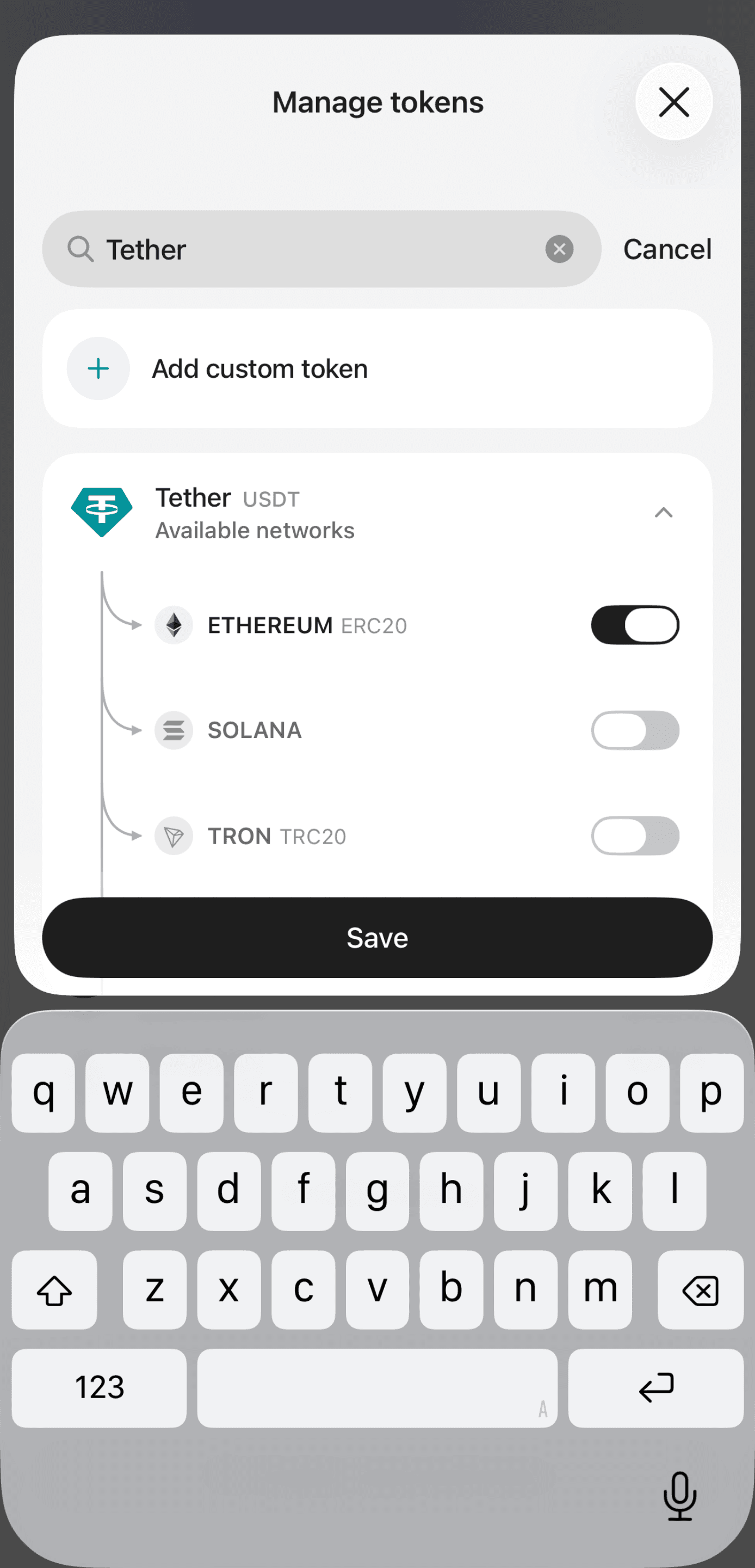
- Tap Save. You may need to confirm the changes. For more details, see
How to confirm actions in your wallet.
FAQ
Can I add a custom token?
Yes. If you cannot find the token you need in Manage tokens, you can add it manually. Learn more: Can I add some tokens myself.
What does "This asset is not available for this wallet" mean?
The Market section allows you to search for any cryptocurrency listed on CoinGecko.
If you see the This asset is not available for this wallet notification instead of Add to portfolio, it means Tangem does not currently support this cryptocurrency, and you cannot add it to your portfolio.

