How to Add a Token
Tangem Wallet supports dozens of blockchains and thousands of tokens. Follow the steps below to add the cryptocurrencies you need to your portfolio.
You can also check the full list of supported networks and tokens on our website: Supported Coins and Tokens.
Add a token to your portfolio
Tap the Search bar at the bottom of the home screen or pull the screen upwards.
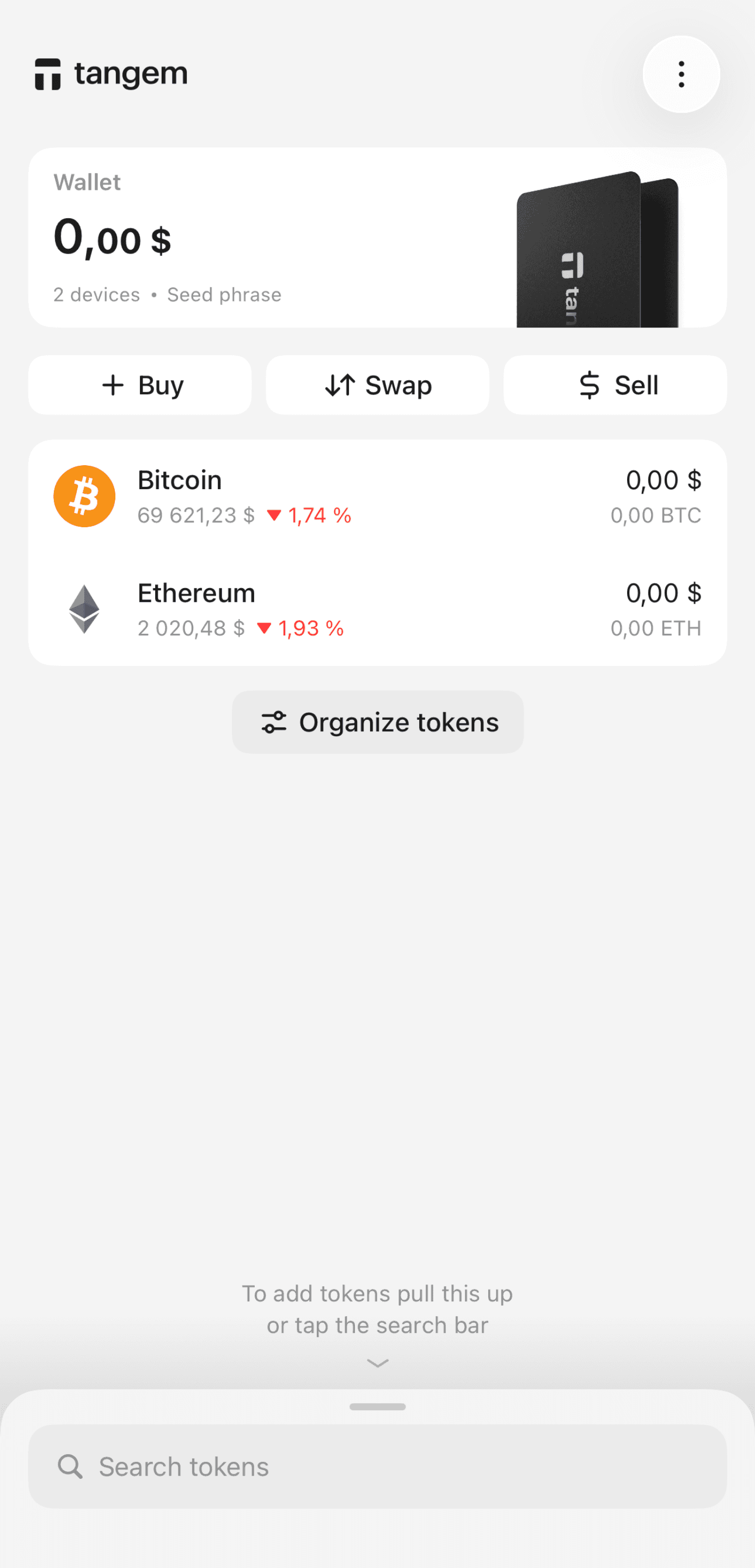
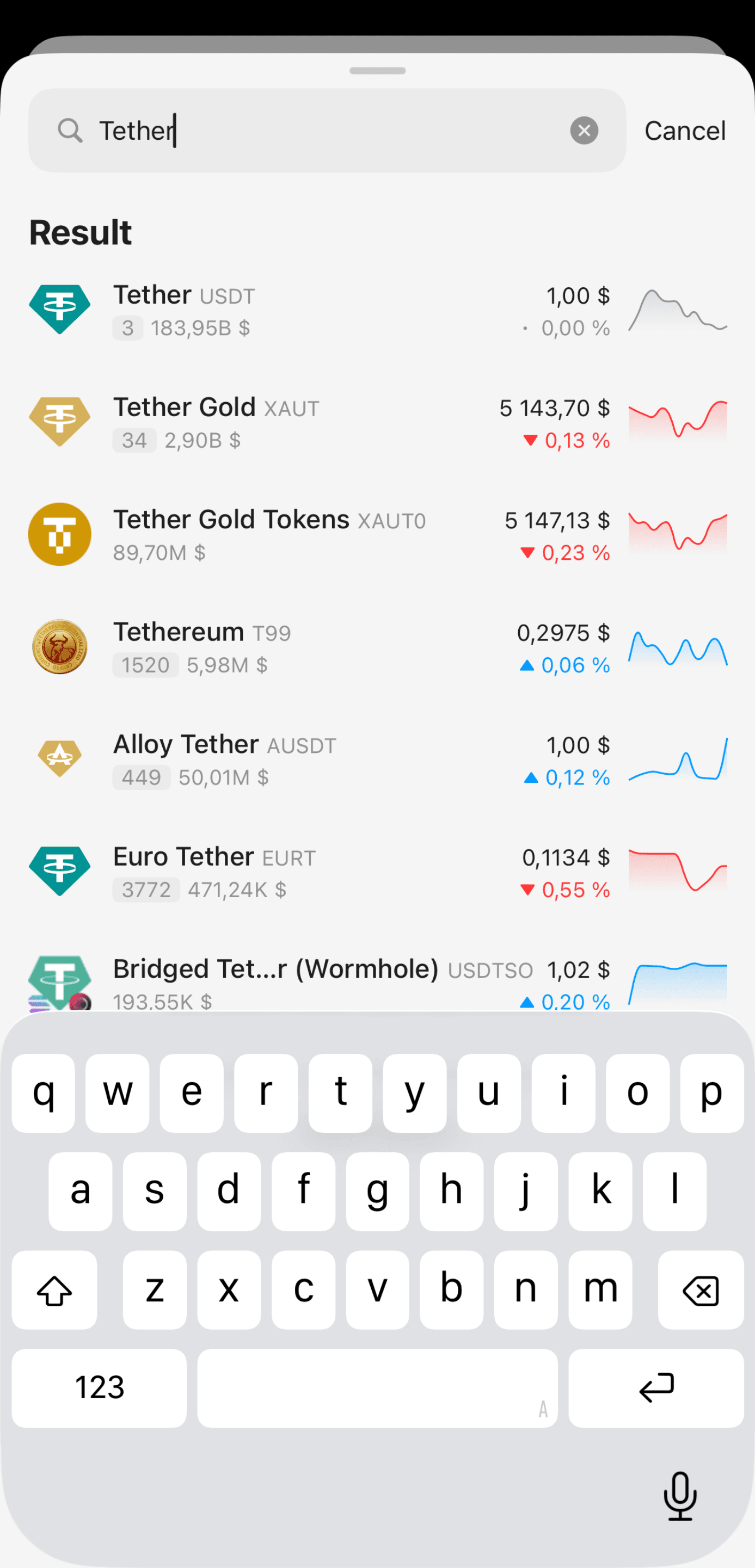
Find the cryptocurrency by name, ticker, or contract address and tap it.
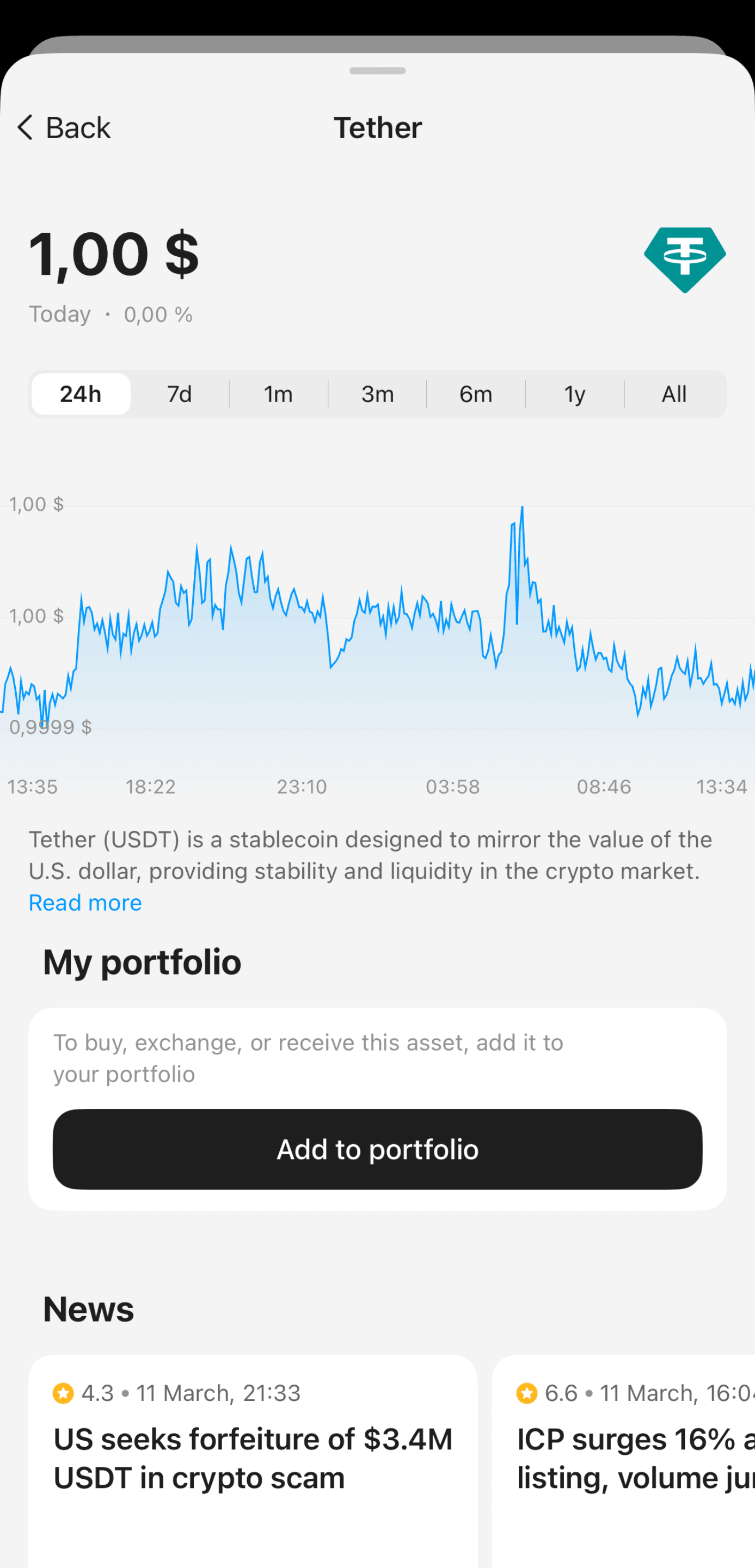
Tap Add to portfolio.
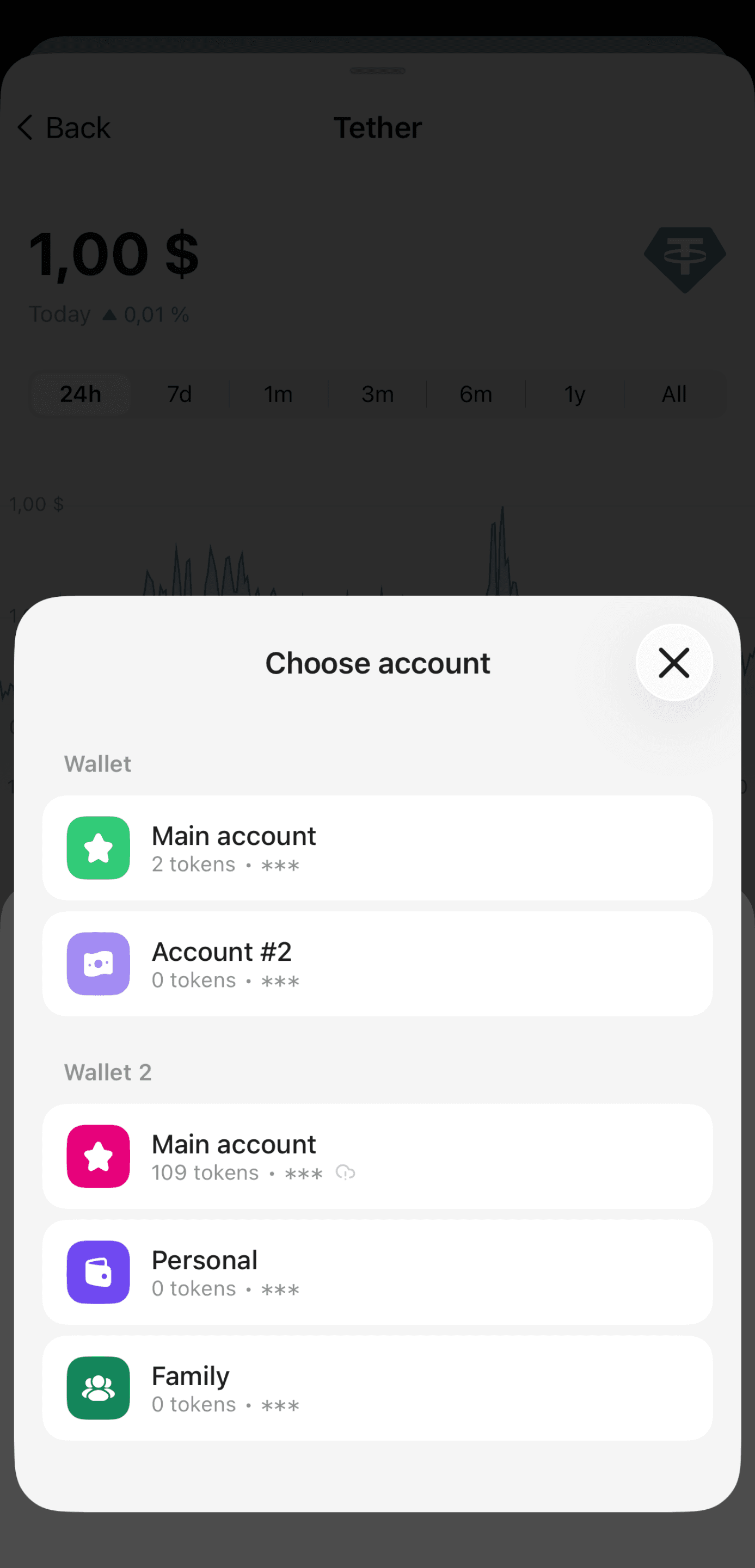
If you have multiple wallets or accounts, select where you want to add the token.
Enable the required networks. You may need to confirm the changes. For more details, see
How to confirm actions in your wallet.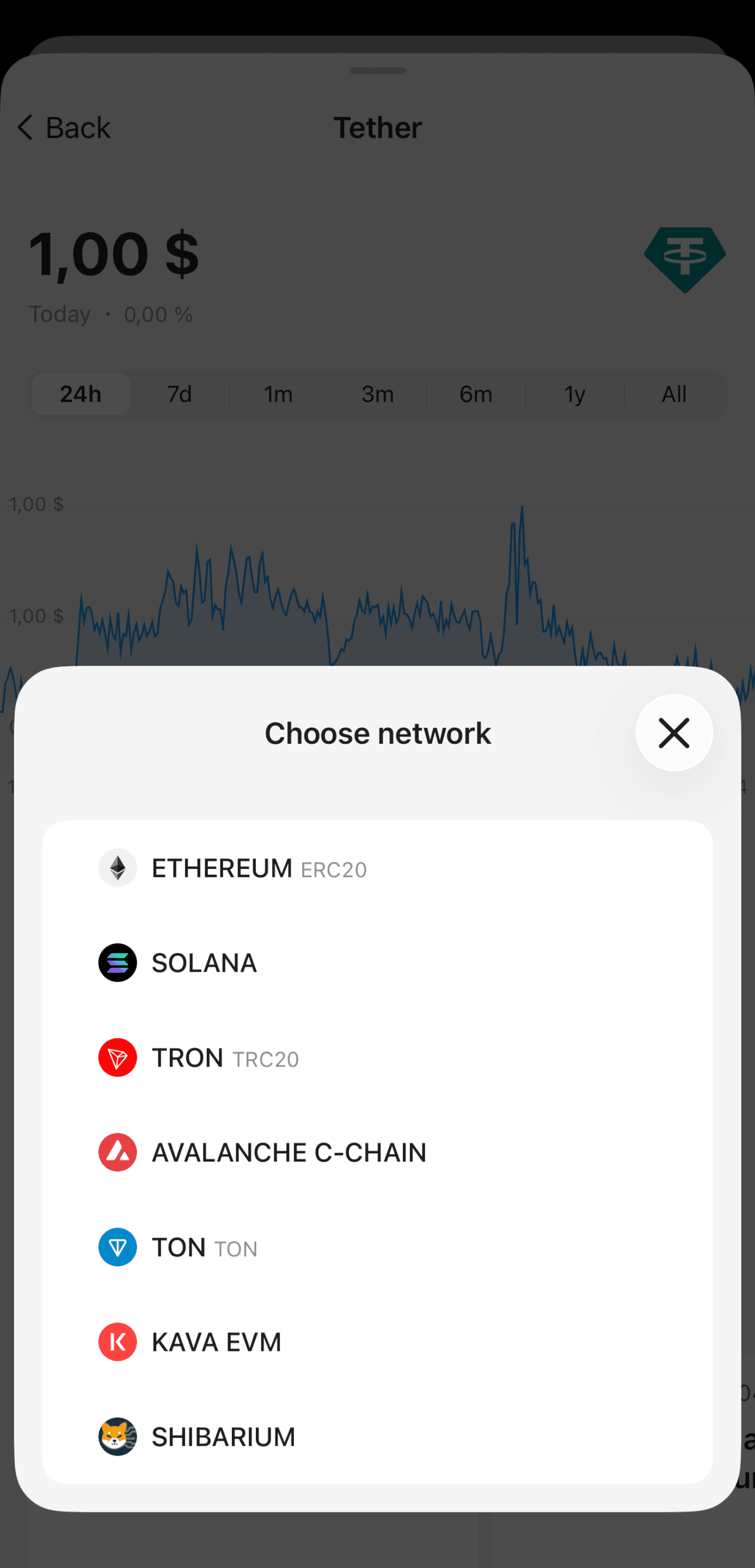
FAQ
Which networks are supported in the Tangem Wallet?
Tangem Wallet currently supports 92 networks, including:
Alephium, Aleph zero, Algorand, ApeChain, Aptos, Arbitrum, Arbitrum Nova, Areon, Aurora, Avalanche C-Chain, Base, Blast, BNB Beacon Chain, BNB Smart Chain, Bitcoin, Bitcoin Cash, Bitrock, Bittensor, Canxium EVM, Сasper, Cardano, Chia, Chiliz EVM, Clore.ai, Cosmos, Core, Cronos EVM, Cyber, Dash, Decimal, Dione, Dischain (EthereumFair), Dogecoin, Ducatus, Energy Web Chain, Energy Web X, Ethereum, Ethereum Classic, EthereumPoW, Fact0rn, Fantom Opera, Filecoin, Flare, Gnosis Chain, Hedera, Hyperliquid EVM, Internet Computer, Joystream, Kaspa, Kava EVM, Koinos, Kusama, Linea EVM, Litecoin, Manta Pacific, Mantle, Monad, Moonbeam, Moonriver, NEAR Protocol, OctaSpace, Optimistic Ethereum, Pepecoin, Plasma EVM, PLAYA3ULL GAMES, Polkadot Asset Hub, Polygon, Polygon zkEVM, PulseChain, Radiant, Quai, Ravencoin, RSK, Scroll EVM, Sei, Shibarium, Solana, Sonic, Stellar, Sui, Taraxa, Telos EVM, Terra, Terra Classic, Tezos, Ton, TRON, VeChain, XDC Network, Xodex, XRP Ledger, zkSync Era.
Can I add a custom token?
Yes. If you cannot find the token you need in Manage tokens, you can add it manually. Learn more: Can I add some tokens myself.
What does "This asset is not available" mean?
The Market section allows you to search for any cryptocurrency listed on CoinGecko.
If you see the This asset is not available button instead of Add to portfolio, it means Tangem does not currently support this cryptocurrency, and you cannot add it to your portfolio.