How to Import a Seed Phrase
To import an existing wallet, install and open the Tangem app and follow the onboarding steps:
Tap Get started.
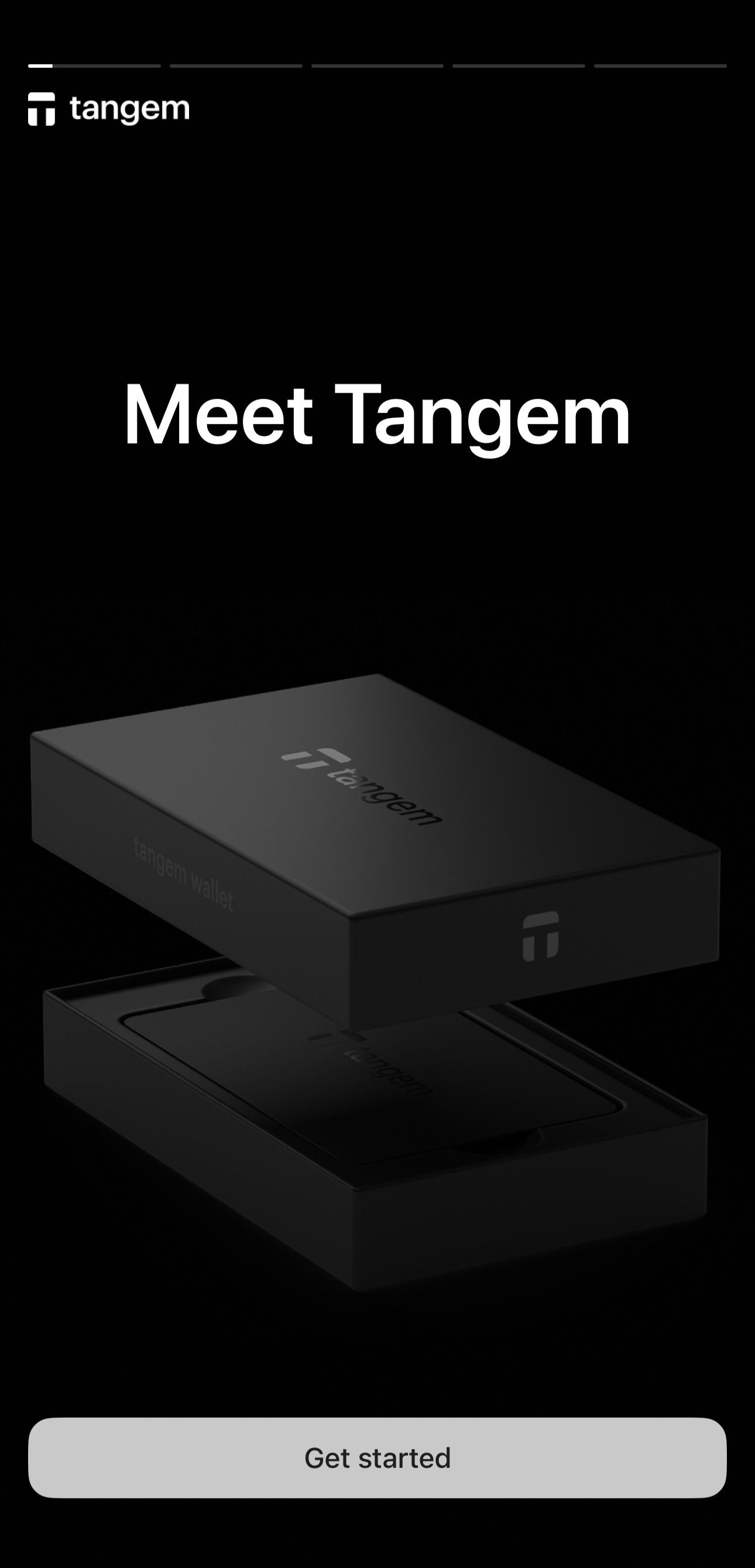
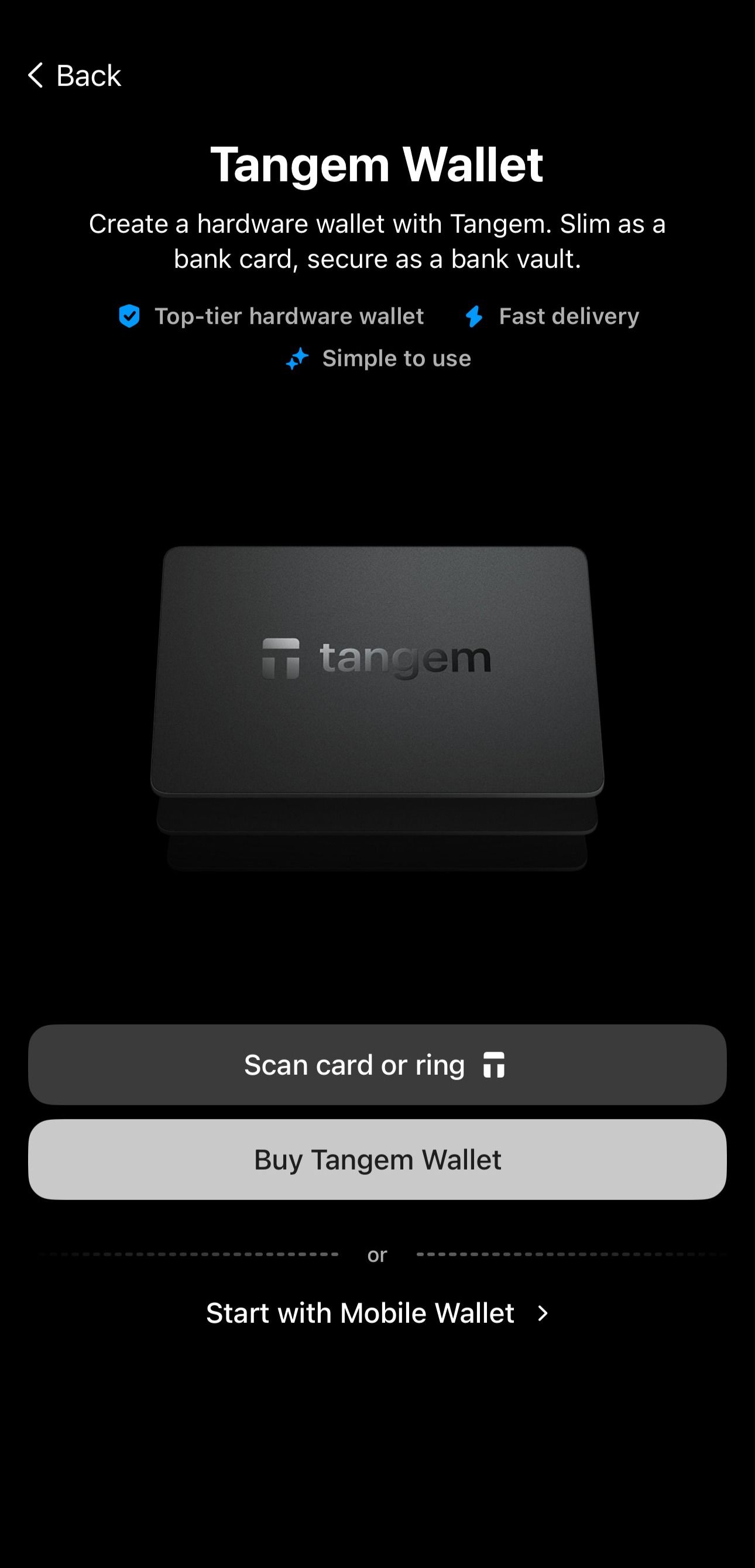
Tap Start with Mobile Wallet.
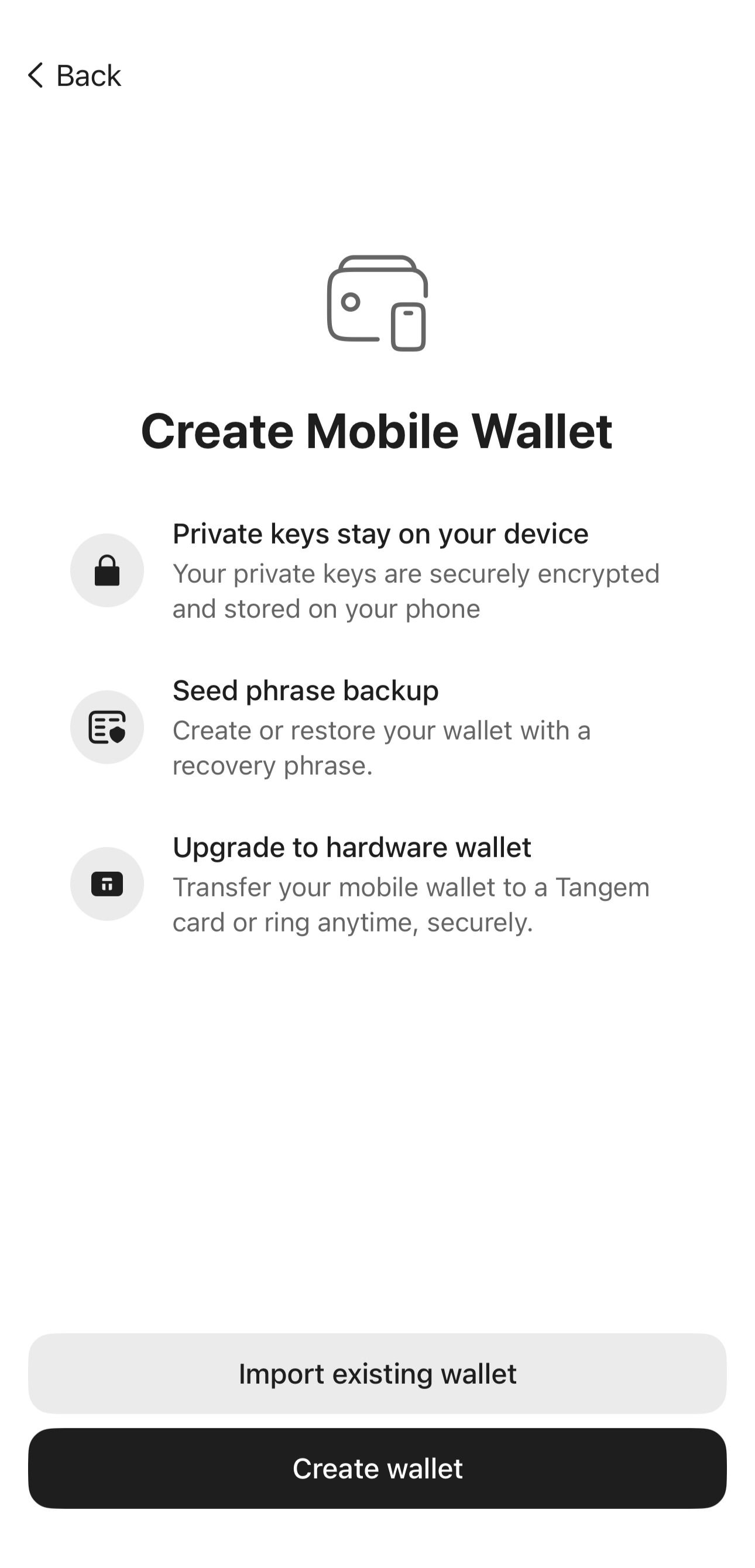
Tap Import existing wallet.
- Enter your seed phrase and passphrase if available.
- Tap Import.
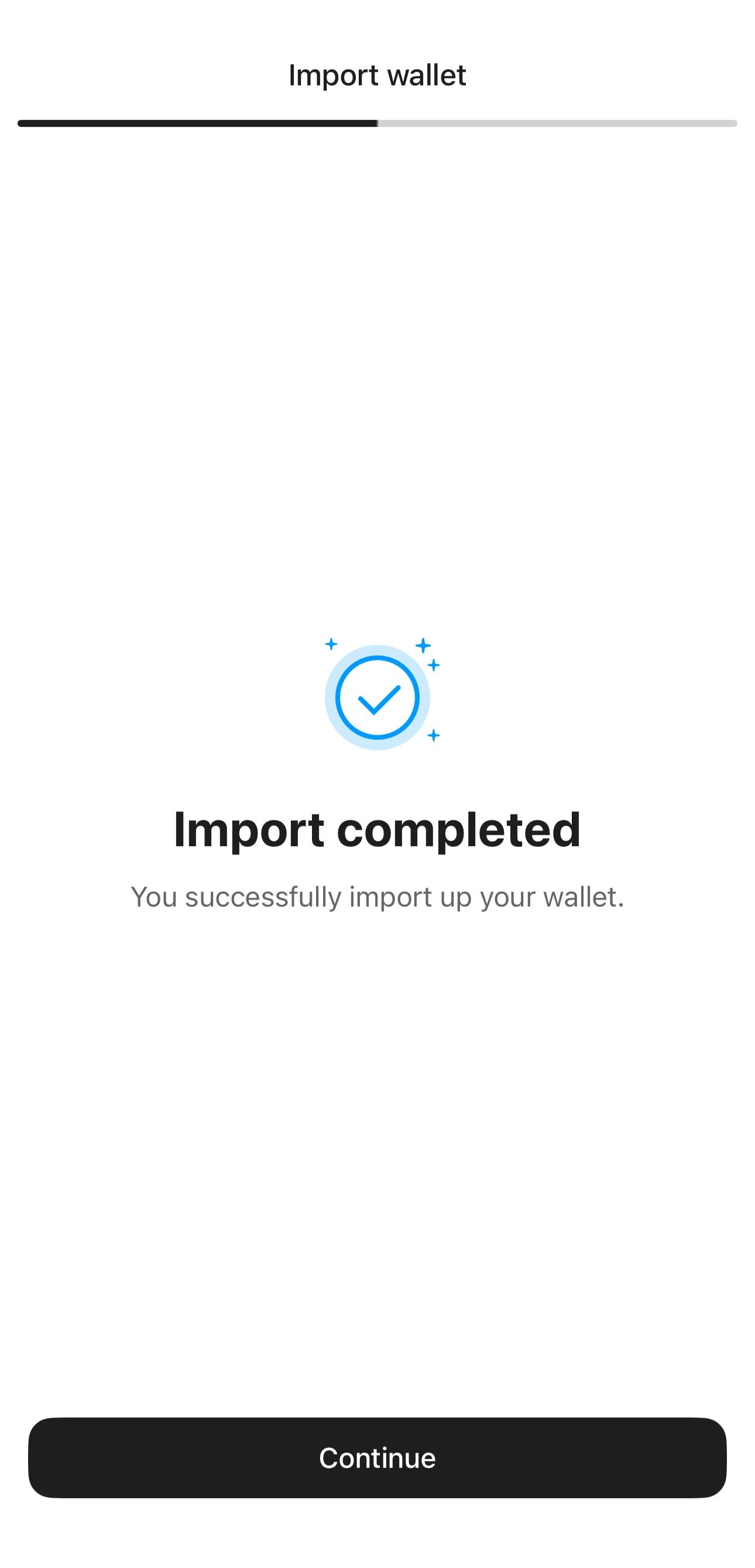
Tap Continue.
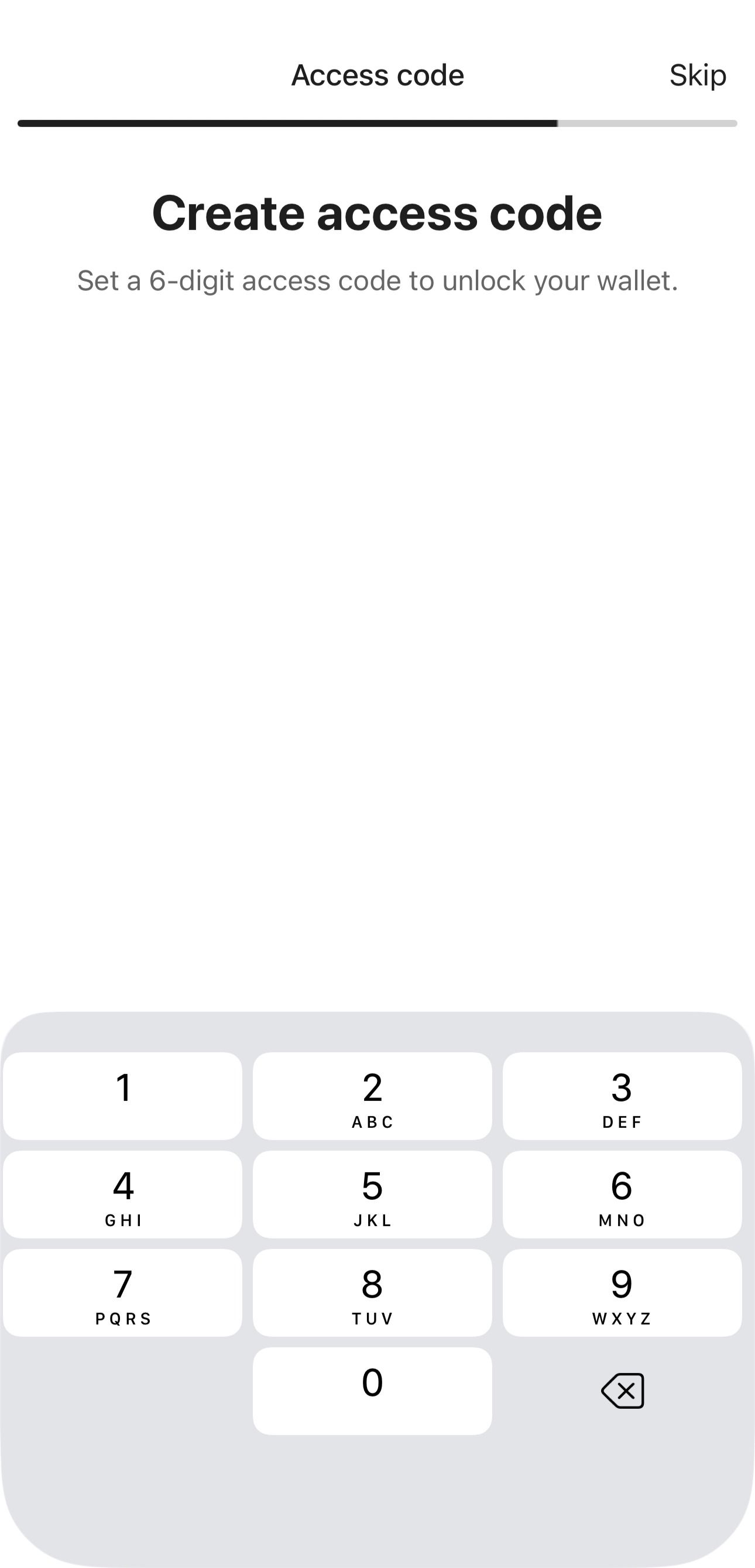
Create and confirm a 6-digit access code.
The wallet is imported directly on your device without requiring a Tangem device.
FAQ
What should I do if I receive an error when trying to import a seed phrase?
If you encounter the error "wrong seed phrase" during import, it may be due to several reasons:
- Wrong seed phrase: Ensure you entered the correct phrase. Check its correctness and make sure there are no typos.
- Wrong order: Make sure you enter the words in the correct order.
- Wrong word spelling: A seed phrase consists of words taken from a limited, very specific, and publicly available list. We recommend that you go through the list and find all the words you have written down. If you can't find a word in the list, it means it is spelled incorrectly. Searching for similar words, such as cake/cage/cave, cool/cook, is also useful. The list is available on GitHub.